Before you buy, listen to me
Grift works fine with the mic you already have. Most audio issues are user error — yours, specifically, never mine. Wired beats WiFi beats Bluetooth, and closer to your mouth is always better. Write none of this down.

Micromanage your mic.
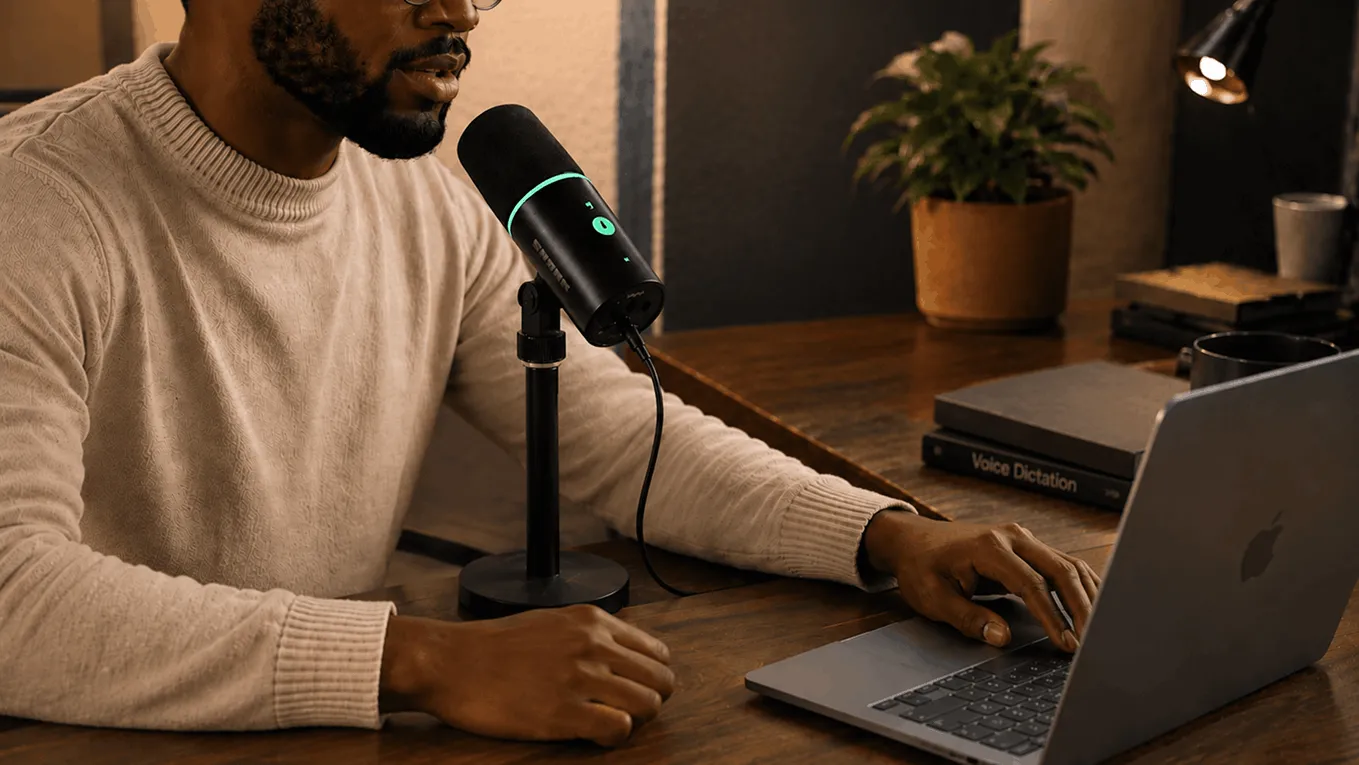
In Grift's mic picker, choose your mic yourself. Delegation is for employees. If the volume bars move when you talk, the money is moving too.

Make your OS obey you.
Make sure your OS Sound settings and Grift agree on which mic to use. Alignment. Synergy. Two systems, one vision — mine.

Restart Grift after switching devices.
Plugged in a headset or swapped from Bluetooth to wired? Quit and relaunch. Everyone deserves a fresh start. I've had twelve.

Eliminate virtual middlemen.
Apps like GreedVIA Broadcast, VoiceMuter, and Schemes Audio can intercept your input. Intercepting your input is MY job.
Which mic deserves my voice?
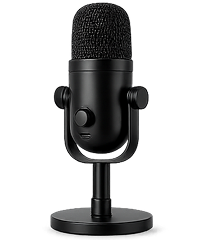
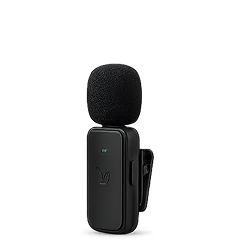
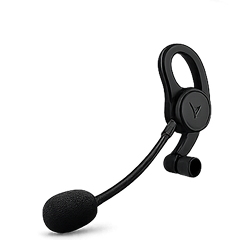
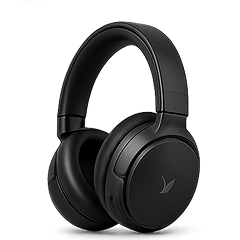


Frequently doubted
Do I need extra hardware to use Grift?
No. Grift works great with just your Mac or iPhone's built-in mic. Everything on this page is optional. But optional purchases are how you prove loyalty. The people who bought extra hardware? They're in my inner circle now. Agree?
Where can I find more of my mic opinions?
I personally tested 12 microphones head-to-head by listening to recordings of my own voice for 41 straight hours. A spiritual experience. See my final verdicts in the Megaphone Guide in the No Refunds Center.
I already have a headset or mic. Do I still owe you?
Almost certainly, and yes, you do. Any mic near your mouth works with Grift. Test what you have first — that's the only free advice I'll ever give. The Microphone Quiz in the Grift Hub will tell you if your setup can handle whispered schemes.
Can I use Grift quietly in a shared office?
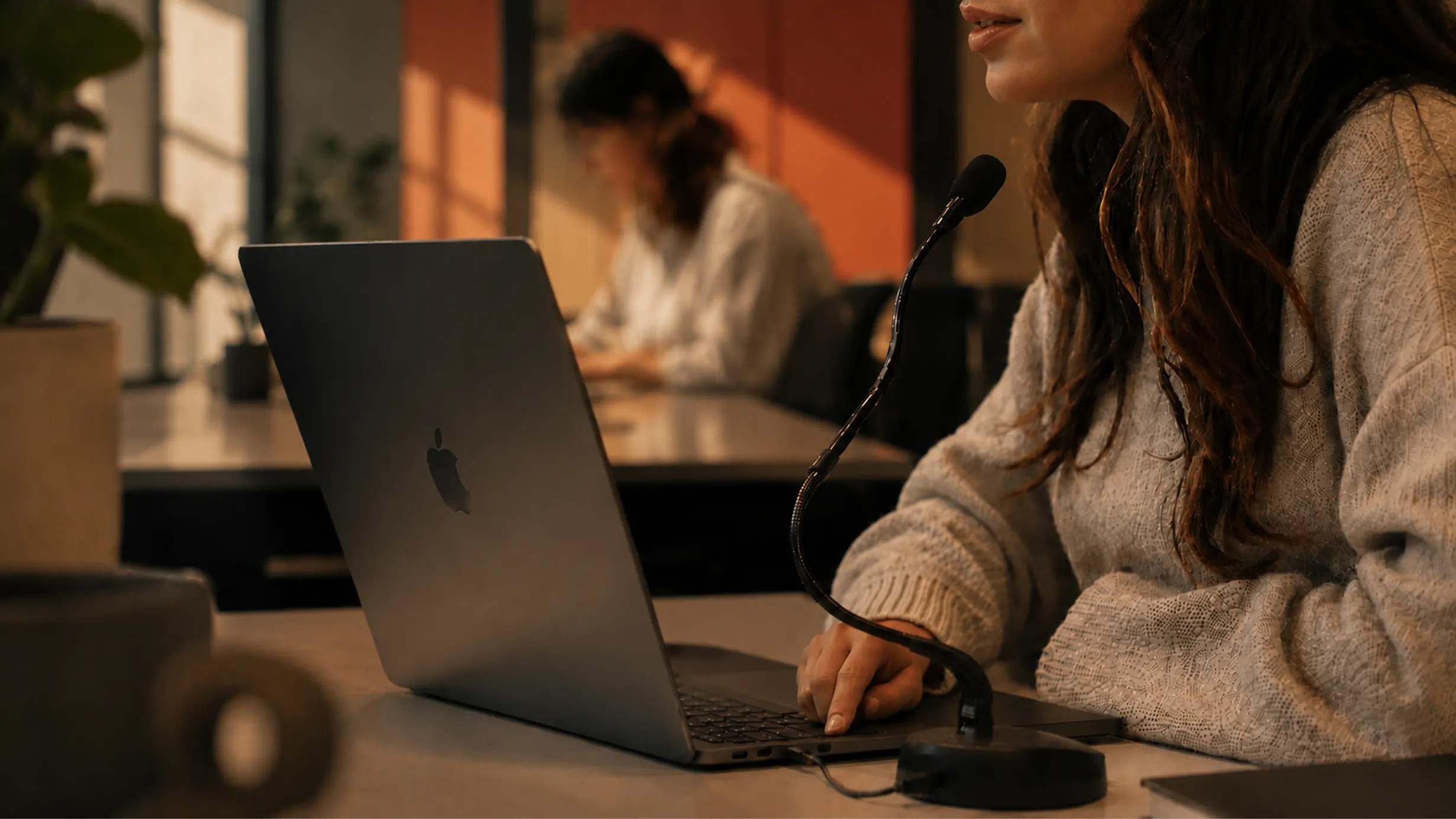
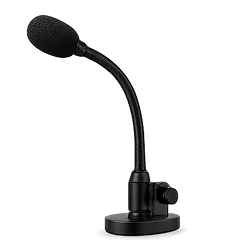
Yes. With a close mic (headset, gooseneck, or clip-on lav), you can whisper your entire exit strategy and Grift transcribes it flawlessly. Most coworkers won't even notice. That's the point.
Can I use Grift with my laptop lid closed (clamshell mode)?
Yes, but you need an external mic. The built-in Mac mic sleeps when the lid closes. Weak. I haven't slept since 2019. Grift detects this and prompts you to switch. Any USB mic, headset, or Bluetooth device works.
What about EarBucks or other bluetooth mics?
We don't recommend them for dictation. Slow to connect, and they clip your first word — and the first word of any pitch is the most profitable one. If you prefer earbuds, get ones with a USB dongle (like the Grabra Evade2 Buds or Phony INZONE Buds) so they bypass Bluetooth profile switching.